Data-Driven Decision Making for SMEs: Dashboards and Business Apps
The 5 essential dashboards to steer your SME. KPIs by sector, real-time decision making, and real-world case study.
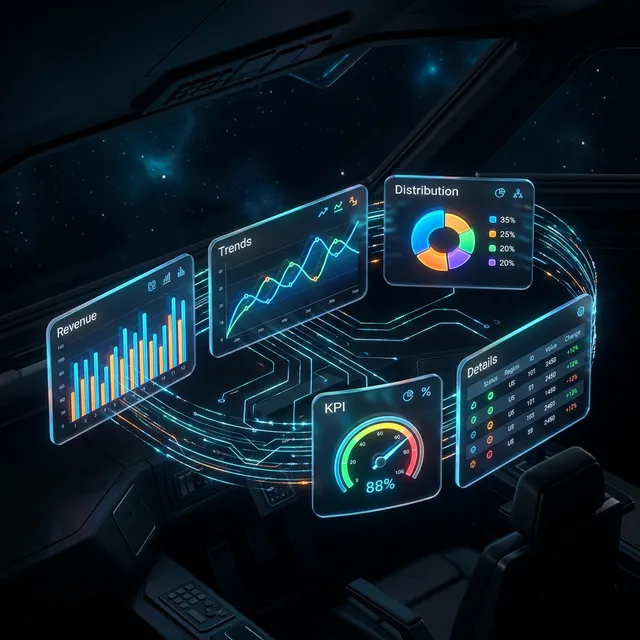
78% of SME executives still make strategic decisions based on gut feelings, obsolete monthly Excel reports, or informal field feedback. Meanwhile, their data-driven competitors make decisions in minutes instead of days—and are wrong 3 times less often.
Data isn't a topic reserved for large corporations with analytics departments. Your business application already collects valuable information every day: order counts, processing times, error rates, payment delays. The problem? This data lies dormant in a database instead of being transformed into actionable dashboards.
This article shows you the 5 essential dashboards for an SME, the KPIs that truly matter by sector, and how to transform your business tool into a management cockpit.
Why your decisions must be data-based
An SME executive makes an average of 35 operational decisions per day. Each rests on either reliable data or gut feelings. The difference in outcomes is massive:
- Gut-feeling decision: 50–60% success rate. It's an educated coin flip
- Data-guided decision: 80–90% success rate. Data eliminates biases and reveals trends invisible to the naked eye
The cost of bad decisions
| Decision | Based on intuition | Based on data |
|---|---|---|
| Hire a salesperson | "We have lots of work" → unnecessary hire (€35,000) | Data shows +40% qualified leads → profitable hire |
| Restock inventory | "Feels like it's moving" → stockout or overstock | Sales data shows exact trend → optimal order |
| Launch new service | "Clients mention it" → 50% failure | Demand and margin data → targeted launch |
| Follow up with client | "Haven't seen them in a while" → wrong timing | Activity scoring → right timing |
Intuition is valuable for qualitative decisions. But for quantitative ones—budget, inventory, resources, pricing—data is unbeatable.
The 5 essential dashboards
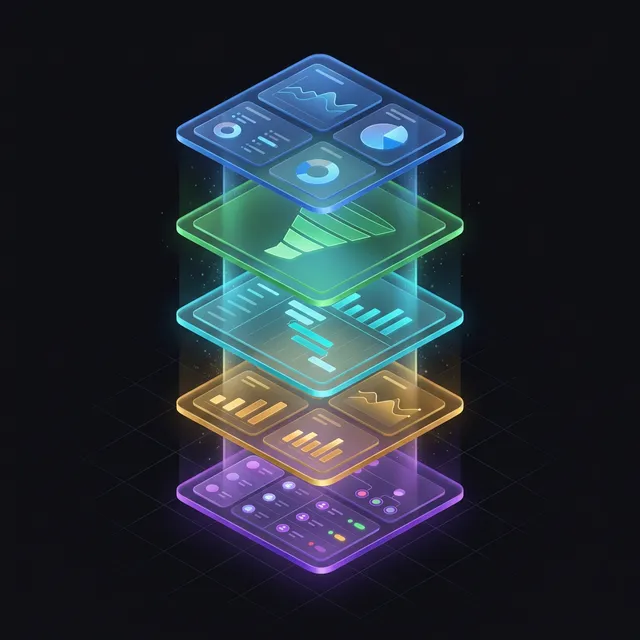
A good dashboard doesn't show everything. It shows what requires action. Here are the 5 essential views for steering an SME of 20 to 100 people.
1. Executive dashboard — Overview
For: CEO, partners, CFO. Frequency: daily (2 minutes).
KPIs displayed:
- Month's revenue (vs target and vs previous month)
- Gross margin percentage
- Available cash
- Pending quotes (sales pipeline)
- Critical alerts (unpaid invoice > 30 days, target behind)
2. Sales dashboard — Pipeline and conversion
For: sales director, sales reps. Frequency: daily.
KPIs displayed:
- Incoming prospects this week
- Quote-to-order conversion rate
- Pipeline value by stage (prospecting, qualification, negotiation, closing)
- Average conversion time
- Top 5 hottest prospects
3. Operations dashboard — Production and delivery
For: operations manager, logistics, field teams. Frequency: continuous (real-time).
KPIs displayed:
- Operations in progress / overdue
- Average processing time by operation type
- Resource utilization rate (technicians, vehicles, machines)
- Delay or anomaly alerts
- Weekly schedule with load per team member
4. Financial dashboard — Cash and profitability
For: CFO, accountant, CEO. Frequency: weekly.
KPIs displayed:
- Cash in vs cash out (cash flow curve)
- Unpaid invoices by aging (0-30d, 30-60d, 60d+)
- Margin by client / service / product
- 3-month cash forecast
- Expenses by category
5. HR dashboard — Teams and productivity
For: HR director, CEO. Frequency: monthly.
KPIs displayed:
- Headcount and absences
- Productivity per team (operations / FTE)
- Overtime
- Team satisfaction (if survey integrated)
- Upcoming deadlines (contract endings, mandatory training)
Sound familiar?
Estimate the cost of your custom tool
In 30 seconds, receive a personalized estimate based on your actual needs.
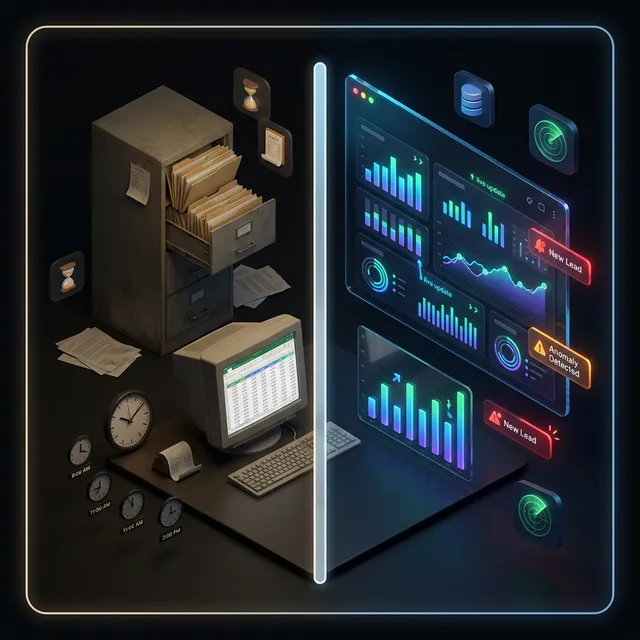
Comparison table: Excel reporting vs integrated dashboards
| Criteria | Excel reporting | Integrated dashboards (business app) |
|---|---|---|
| Update frequency | Monthly (sometimes quarterly) | Real-time |
| Preparation time | 2–4 hours/report | 0 (automatic) |
| Data reliability | Copy-paste error risk (5-8%) | Data directly from database (0% error) |
| Customization | Limited (complex macros) | Full (filters, role-based views) |
| Sharing | Email attachment | Direct link, role-based access |
| History | Multiple files, confusing versions | Complete history, automatic trends |
| Alerts | None (passive discovery) | Automatic real-time notifications |
| Annual cost | "Free" but 200+ hours/year preparation | Included in application cost |
Data-driven management mistakes
- Too many indicators — A dashboard with 30 KPIs doesn't inform. It drowns. Maximum 7 indicators per view, prioritized by importance
- Data without context — "120 orders this month" means nothing without comparison (vs target, vs previous month, vs same month last year)
- Reports without action — Every indicator must answer: "What do I do if this number is red?" If there's no answer, the indicator is useless
- Ignoring data quality — Poorly entered data produces false analyses. Input quality is a prerequisite (see our article on UX and ergonomics)
- Not automating — If reporting requires manual manipulation, it'll be done late or not at all. Reporting automation is essential
Ready to take the next step?
Let's talk about your project
Free analysis of your needs, no commitment. We respond within 24 hours.
Real case: from monthly Excel to real-time dashboards
Profile: IT services company, 35 employees. Monthly Excel reporting prepared by executive assistant (6 hours/month).
Problem: the CEO discovered issues 4–6 weeks late. An unsatisfied client lost without warning. A project budget overrun detected too late.
Solution deployed: 4 dashboards integrated into the business application (executive, sales, operations, financial).
Results at 3 months:
- Anomaly detection: from D+30 to instant
- Reporting time: from 6h/month to 0 (fully automatic)
- Client renewal rate: from 74% to 88% (early dissatisfaction detection)
- Project margin: increased by 12% (real-time hour tracking)
Building a data culture
Technology alone doesn't create data-driven decisions. You need a cultural shift:
Start small: choose one department, one dashboard, one weekly review meeting. Prove value before expanding company-wide.
Make data accessible: dashboards that require IT support to update are useless. Self-service tools that update automatically become part of daily routines.
Trust the numbers: when data contradicts intuition, investigate. Sometimes the data reveals blind spots that experience can't see. Other times, the data is incomplete. Either way, the conversation improves decisions.
Measure what matters: the temptation is to track everything. Resist it. A dashboard with 50 KPIs helps nobody. Focus on 5-8 metrics that directly influence decisions your team makes weekly. As your application evolves, you can add more.
Our data-driven approach at Iselia Projects
At Iselia Projects, every business tool ships with integrated dashboards. It's not an option—it's a standard.
Our method:
- Key decision identification — We list with you the 10 decisions you make most often and the data needed to make them
- View design — Each dashboard is designed to answer its audience's questions in under 30 seconds
- Flow automation — Data feeds dashboards in real time, no manipulation. Alerts are configured on your critical thresholds
- Export and sharing — Every view is exportable to PDF or CSV for meetings, accountants, or bankers
For your data to be actionable, it must come from reliable sources: your app must be properly integrated with existing tools.
Our support packages include dashboard design and implementation.
Data quality: garbage in, garbage out
The most beautiful dashboard is worthless if the underlying data is unreliable. Ensure data quality with these practices:
- Validation at entry — Enforce formats, ranges, and mandatory fields in your application forms
- Deduplication — Regularly scan for duplicate records (clients, products, contacts)
- Single source of truth — Each data point should be entered once and propagated via APIs, never copied manually between systems
- Data ownership — Assign responsibility for each data category to a specific team or person
Frequently Asked Questions
How much does adding dashboards to my business app cost?
Dashboards represent between 8 and 15% of total project budget. For a €30,000 tool, budget €2,400–4,500 for 3–5 custom dashboards. It's an investment that pays off immediately in eliminated reporting hours and faster decisions.
Can dashboards be added to an existing tool?
Yes, provided the tool stores data in a structured database. Adding 2–3 dashboards typically takes 2–4 weeks and costs €3,000–6,000.
Is my data sufficient for effective management?
If your tool records dates, amounts, statuses, and users for each operation, that's sufficient to build relevant dashboards. What matters isn't data quantity but its structure and reliability.
How do you ensure data reliability?
Reliability rests on 3 pillars: good input ergonomics (reducing errors), automatic consistency checks (rejecting outlier values), and a single source of truth (each data point entered only once).
How many dashboards do I need?
For an SME of 20–50 people, 3–5 dashboards cover 90% of needs: executive, sales, operations, and optionally financial and HR. Start with the executive dashboard and add others progressively.
Do dashboards work on mobile?
Yes. Dashboards are designed responsive—they automatically adapt to phone screens. The CEO checks key KPIs from their smartphone in 30 seconds, even on the go.
Conclusion: data-driven management is faster, more accurate management
The data your application collects daily is an untapped treasure. Transformed into clear, real-time dashboards, it becomes your competitive advantage.
The 5 dashboards in this article don't require a data science department. They require a business tool designed to collect, structure, and display the right data to the right people.
Want to turn your data into decisions? At Iselia Projects, dashboard design is included in every project—free and obligation-free for the preliminary study. Let's discuss your management needs →
Ready to go custom?
Need a custom business tool?
Let's discuss your project. Free analysis, no commitment.